Your terminal, your choice
Choose Kitty, Ghostty, Terminal, Konsole and other supported terminals in Launch settings.
YOUR ACCOUNTS. YOUR WORKSPACES.
Personal projects. Work accounts. One calm place to launch them all, with a separate workspace for every login.
LinuxApple Silicon MacOpen source
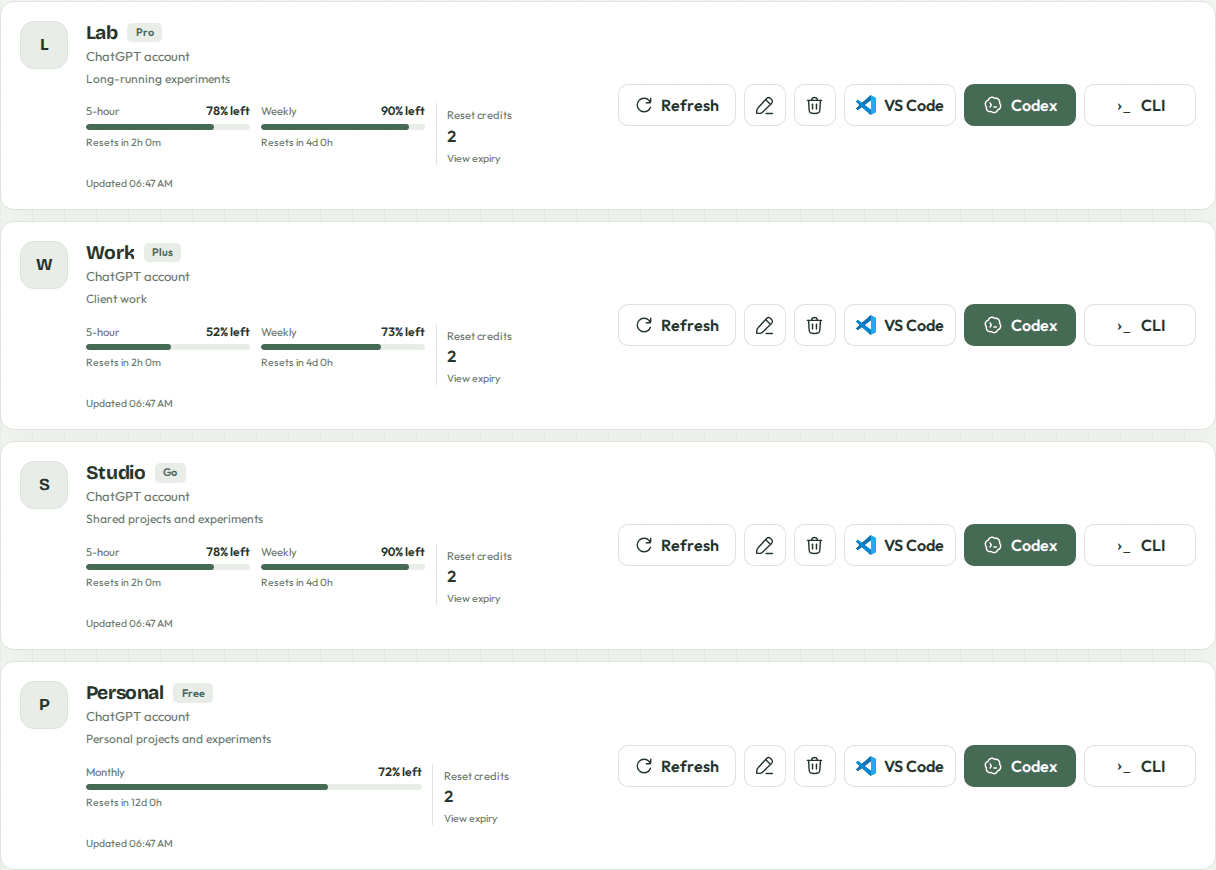
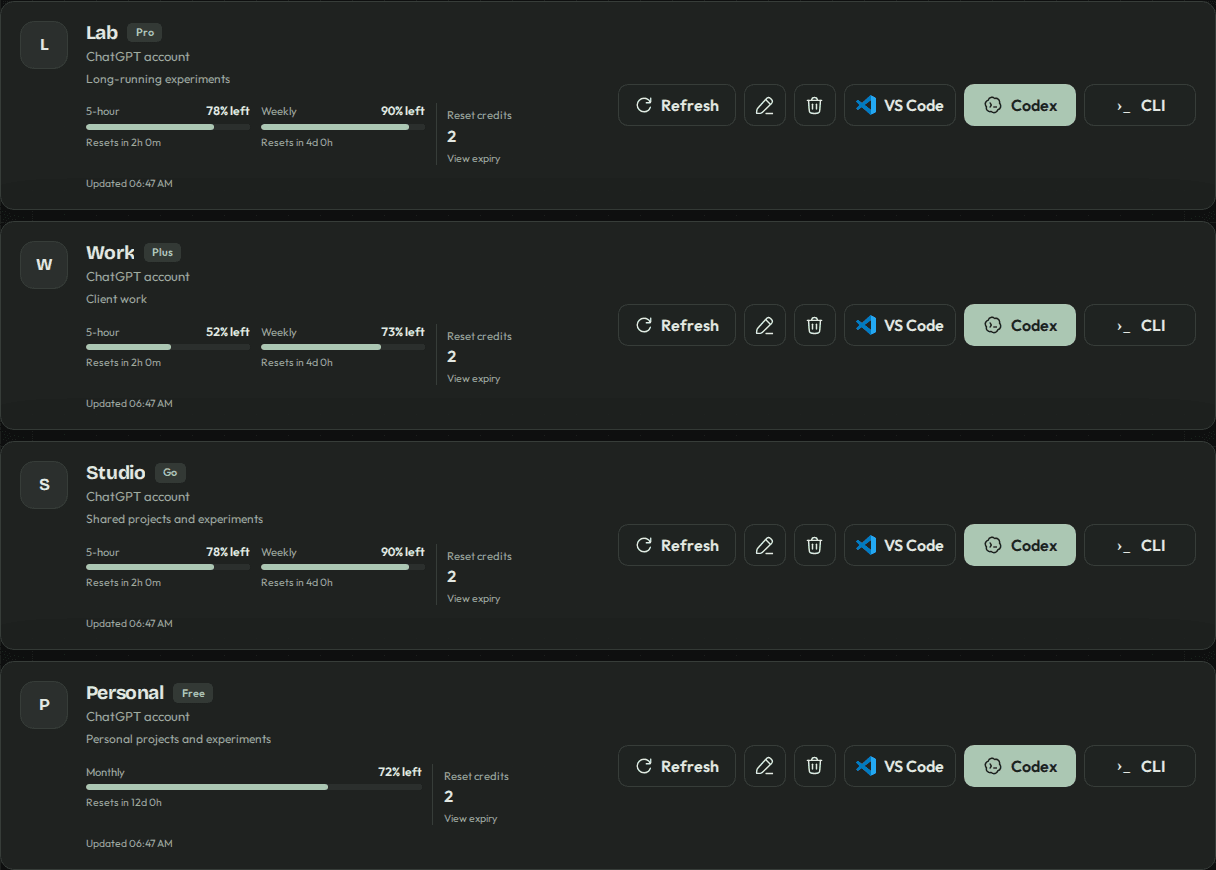
Each account has its own saved sign-in, conversations and app data.
VS Code, Codex desktop, or CLI in your favorite installed terminal.
Limits at a glance, with quiet reminders before your usage resets expire.
SMALL SETUP. MORE ROOM TO WORK.
Install the launcher. Add an account. Choose a folder and make it your own.
Follow the quick startcurl -fsSL https://github.com/wrestle-R/multi-codex/releases/latest/download/install-app.sh -o /tmp/install-multi-codex.sh
bash /tmp/install-multi-codex.shLinux x86_64 · AppImage
A FEW THOUGHTFUL DETAILS
Choose Kitty, Ghostty, Terminal, Konsole and other supported terminals in Launch settings.
Available resets expiring within 48 hours appear together. At most twice a day, at least four hours apart.
Sage, Ocean, Sand, Rose, Plum and Orange. A quieter home for your accounts, whatever the hour.